Views you can read at a glance
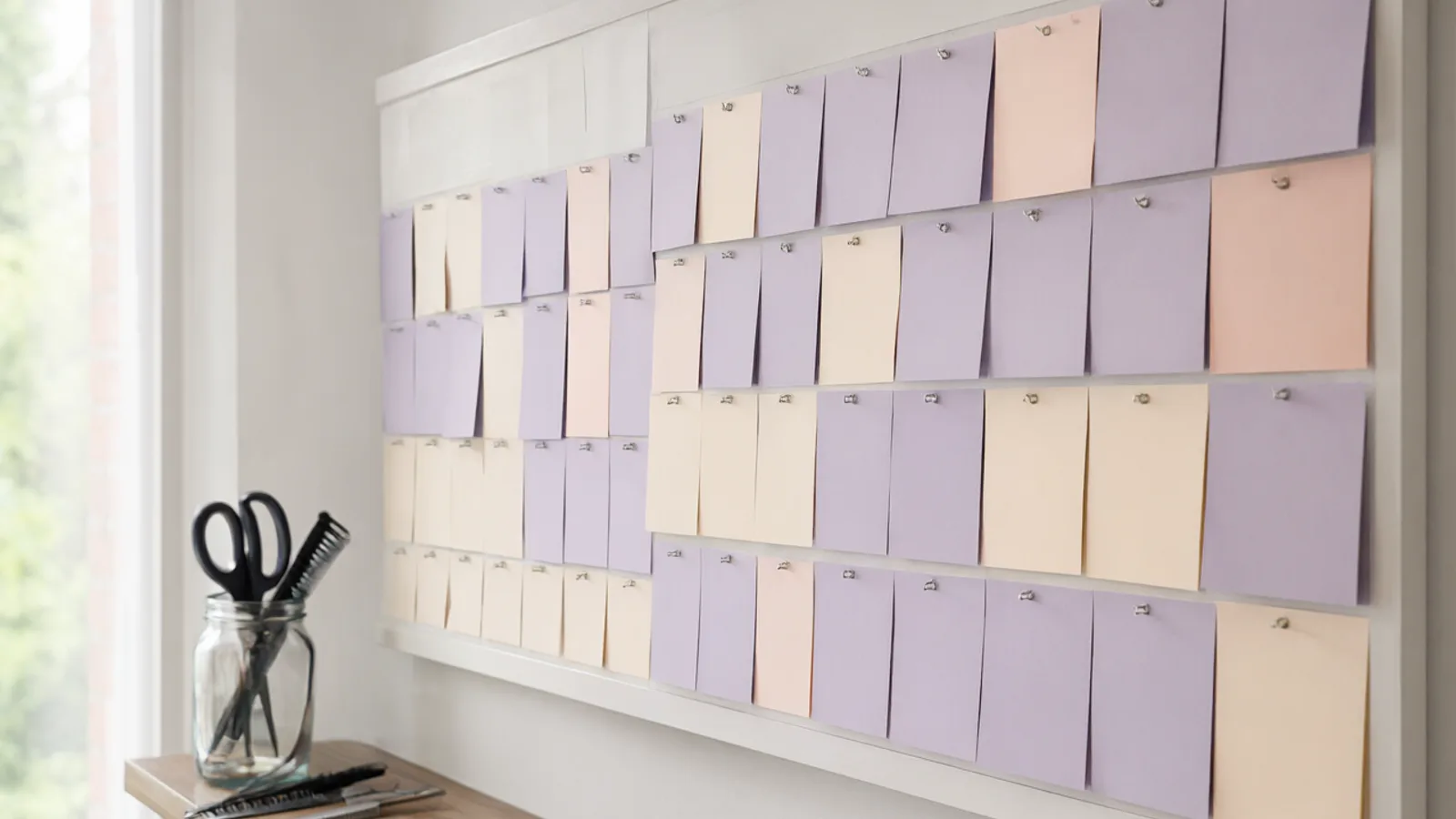
Switch between a day, three days, a week and a month. In day view every team member has a column, so you can see who is free; in week view you follow one person. Today's column is framed so you never have to hunt for it.
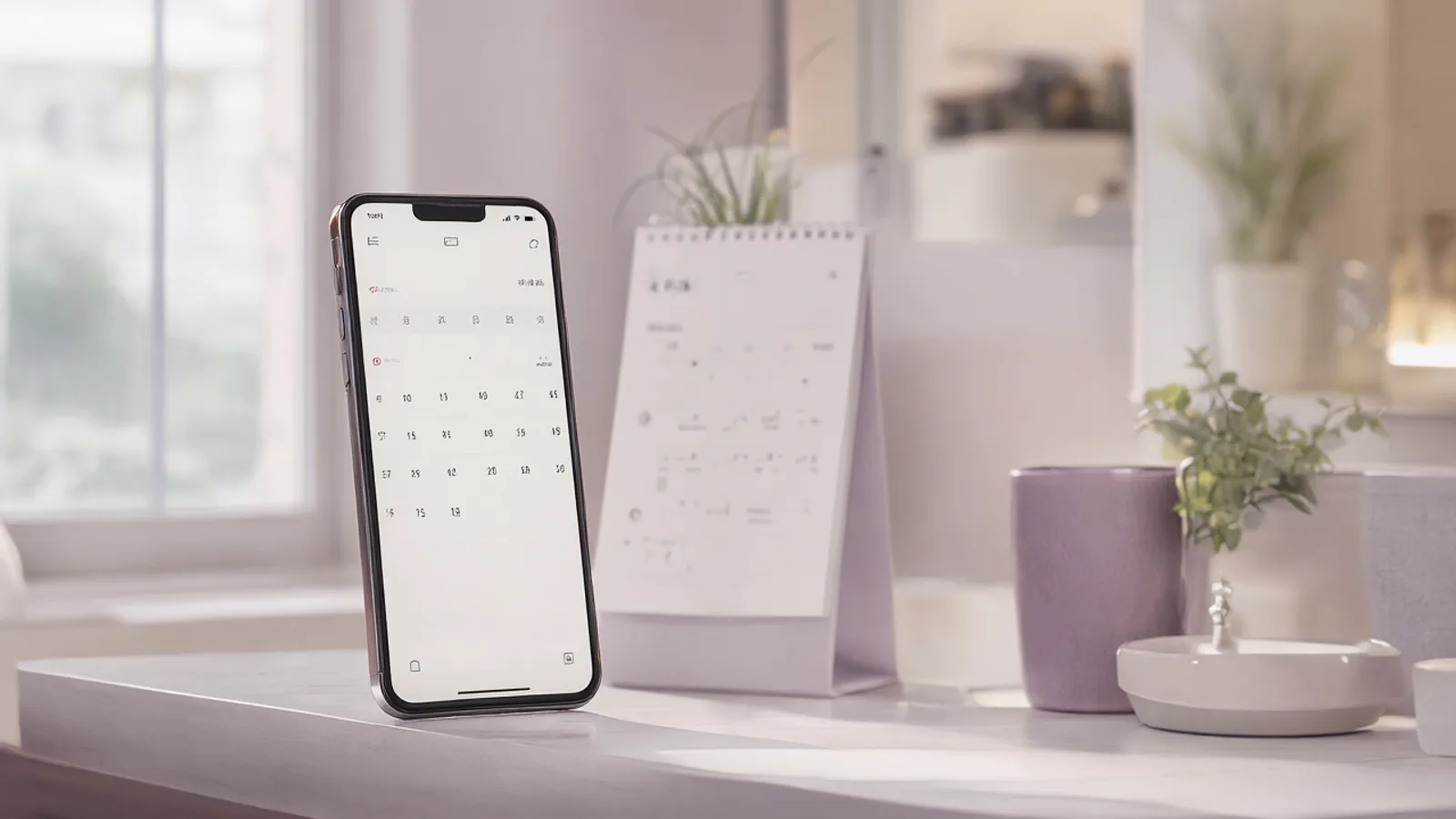
On a phone you swipe sideways to move to the next week and the picture follows your finger. A tap on a day opens it, and you can press and hold a day to change its hours.
Hours, breaks and days off
Each team member has weekly working hours. For a single date you can give your own hours, add a break, or block the day completely. Holidays can be loaded from a preset, so they show as tinted days instead of surprising you.
The break between appointments is set once and applies to the diary and to the online booking page alike, so the two never disagree.
- Drag a visit to a new time or a new team member, and the move is refused if it would collide
- Allow overlapping visits for a team member who really works two chairs at once
- Personal entries for errands and lunch, with no client attached
- Shared resources such as a room or a machine, so two services cannot use it at the same moment
- Optional Hebrew dates and holidays beside the ordinary ones
Two-way Google Calendar sync
If a team member also keeps a Google calendar, Lumea can push visits there and read their other events back in, so a dentist appointment on their phone blocks the same time in Lumea. The link is per team member and you choose what is shared.
Closing the visit
When a visit ends, the team member gets a notification asking what it came to and how it was paid, and one tap settles it. A coupon or a gift card can be applied there, and the price is locked while either is applied so the figures cannot drift apart.
Questions
Can I use it on my phone?
Yes. Lumea is an installable web app and there is also an Android app. The calendar is designed for a phone first, including swiping between weeks.
What happens if I change something while I have no connection?
Changes are kept on the device and sent when the connection returns, in the order you made them. If the session expired in the meantime, the app signs you back in first.
Can two clients be booked at the same time?
Only if you switch that on for the team member. By default a second visit at the same time is refused, which protects you from double booking.
Can I import my existing diary?
Clients can be imported from an Excel or CSV file. If you are moving from another appointment app, our guide to switching explains what can come across.