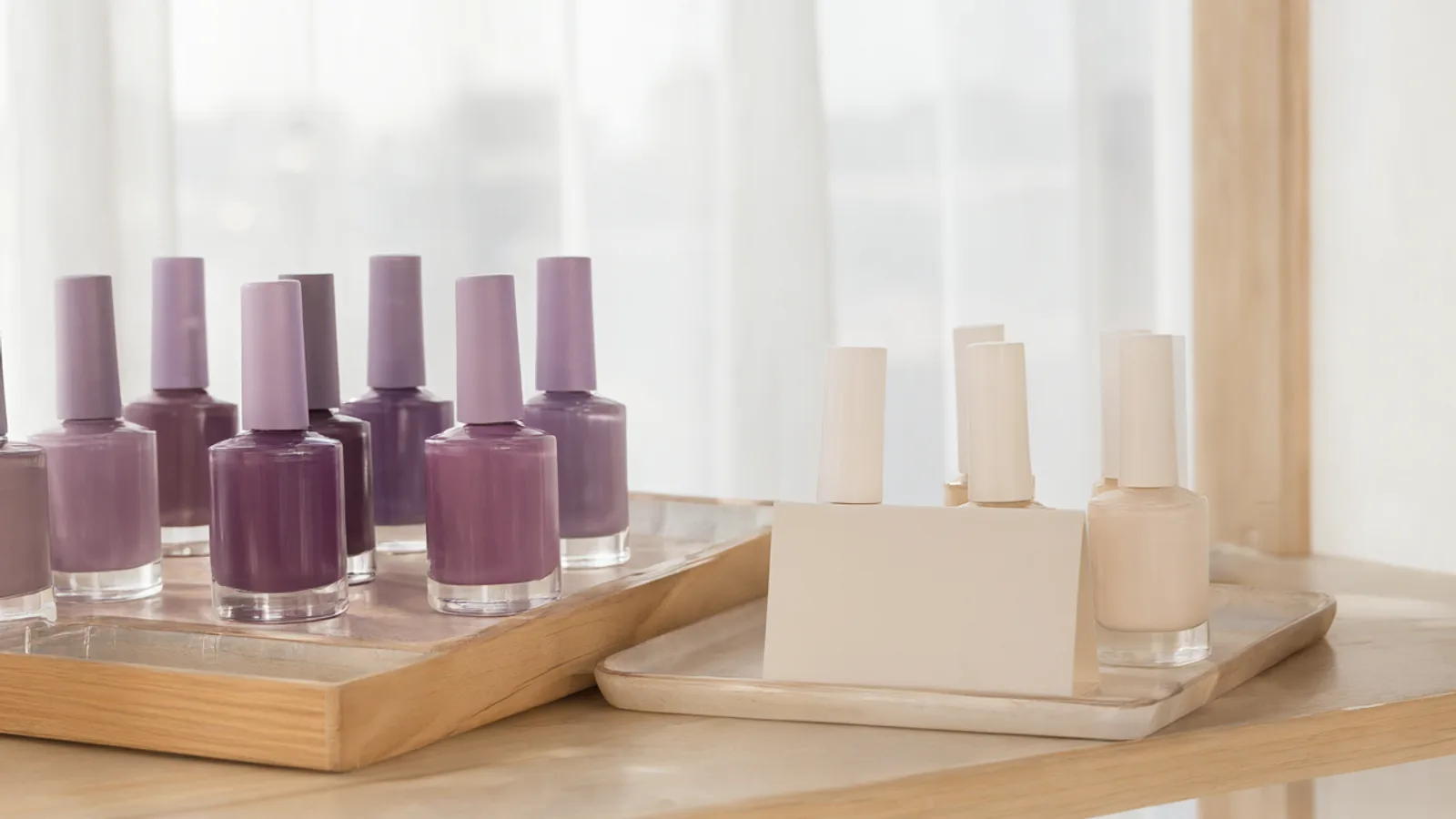
Treatments of very different lengths
A quick wax and a long skin treatment should not sit in the same slot. Add every treatment with its own duration and price, group them in categories such as facial, hair removal or aesthetic, and order the list the way you present your clinic.
The booking page then only offers times that leave enough room for the treatment chosen. Clients see the price and the length before they book, which saves you the usual questions by message.
A first consultation before the treatment
Many treatments begin with a consultation. List it as its own service with its own length, so new clients book it first, and let returning clients go straight to the treatment.
Preparation and aftercare instructions are best sent as a message, not left for the client to remember. The WhatsApp confirmation gives you a natural moment for that, and clients can change or cancel from the link in the message instead of calling.
One room or device, several practitioners
When two practitioners share a treatment room or a device, double booking is a real risk. Each team member has their own working hours, holidays and days off, and you decide per person whether overlapping appointments are allowed.
For a room that needs cleaning between clients, set a break between appointments. The team calendar shows who is where, so the person at the front desk and the person online are looking at the same picture.
A page that shows your clinic
Clients choosing a treatment want to see where they are going. Your booking page shows your photo gallery, address and a navigation link, and no one has to register before booking.
Share the link on Instagram, WhatsApp or your business card. On the Pro plan and above, automatic WhatsApp reminders go out from the clinic's own number, and the waiting list lets you offer a freed slot with one tap.
Set it up in Lumea
- 1Add your treatments and the first consultation with their durations and prices, grouped in categories.
- 2Add each practitioner and set working hours, holidays and days off.
- 3Decide per person whether overlapping appointments are allowed, and set a break between appointments for cleaning.
- 4Add your photos, address and navigation link, then share the booking link on Instagram and WhatsApp.
- 5Turn on the WhatsApp confirmation, and reminders if you are on the Pro plan or above.
Plans: the free plan covers the calendar, clients and services. Online booking and WhatsApp messages start on the Starter plan, and automatic WhatsApp reminders on the Pro plan.
Questions
Can I offer a consultation as a separate booking?
Yes. Add it as its own service with its own duration and price. Clients choose it from the list like any other treatment.
How do I avoid two clients using the same room?
Lumea schedules per team member, not per room, so it stops one person being double-booked. If two practitioners share a treatment room, give them working hours that do not overlap, and add a break between appointments if the room needs preparing.
Can I send preparation or aftercare instructions?
Clients get a WhatsApp confirmation after booking, and on the Pro plan and above, automatic reminders. Use those moments to follow up with your instructions. Messages start on the Starter plan, not the free one.