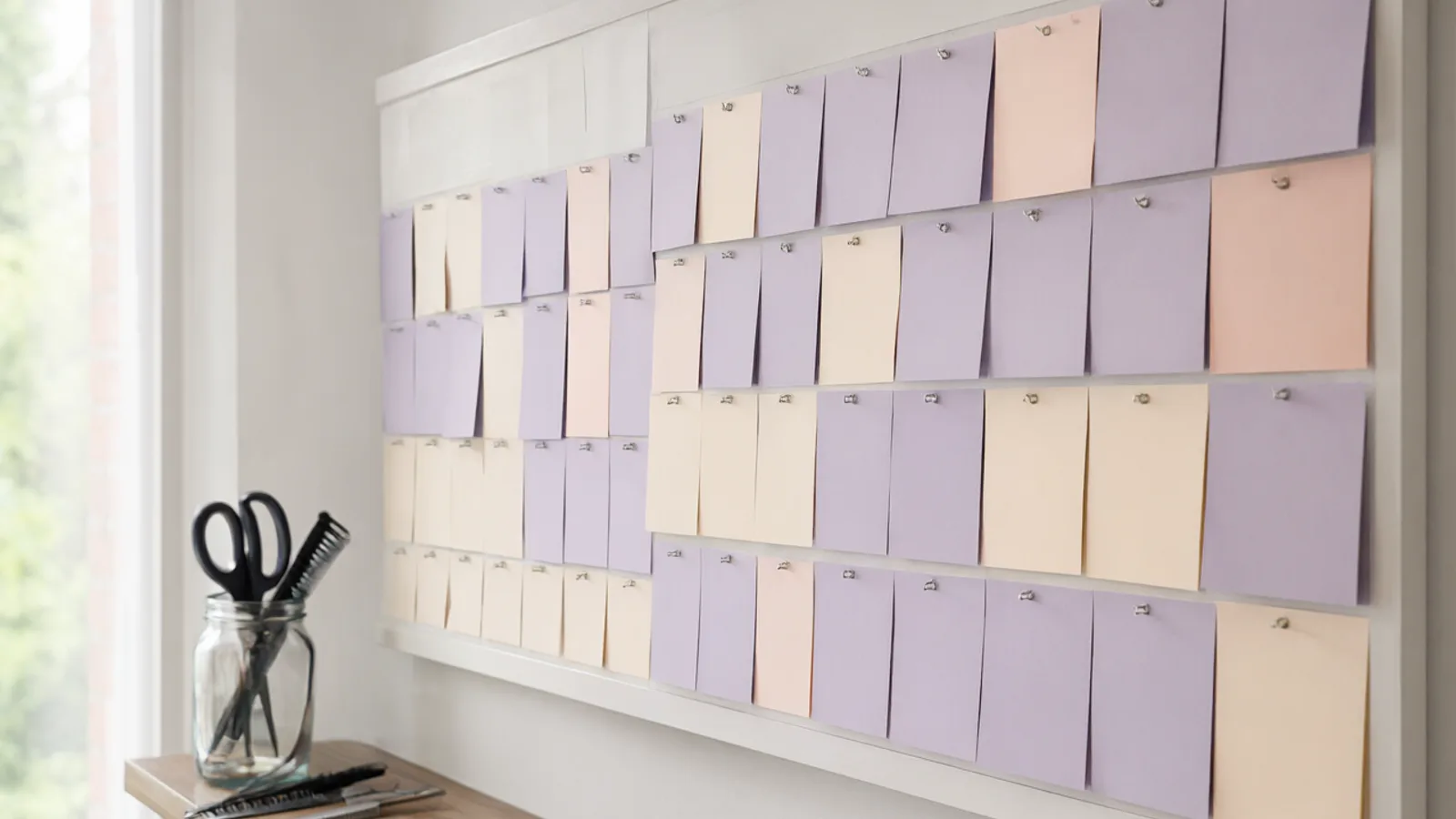
Every practitioner keeps their own hours
Each team member has their own working hours, holidays, and days with special hours or a day off. Patients never see a time when the practitioner is away. You decide per team member whether overlapping appointments are allowed, and the team calendar view shows the whole clinic's day at a glance.
Different appointment types, clear durations
An initial assessment, a follow-up and a longer treatment rarely take the same time. List each as a service with its own duration and price, grouped in categories and in the order you choose. Prices belong to the service, not to the practitioner, so the list stays simple to read for patients.
- Initial assessment, longer
- Follow-up, shorter
- Treatment, by type
One link for the clinic, one for each practitioner
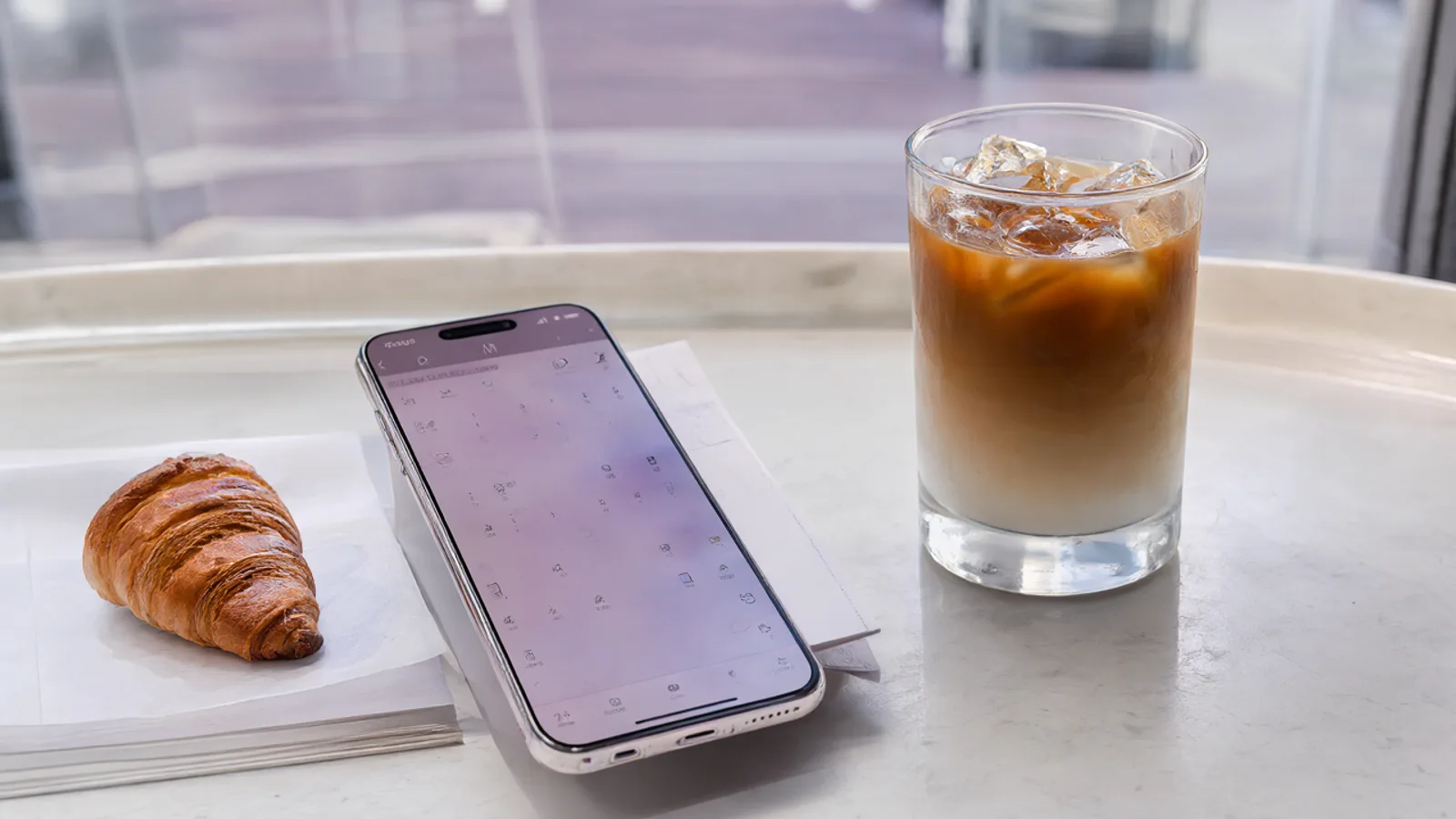
Put the clinic link on your website, Instagram and business card. Patients who already see a particular practitioner can use that person's personal link instead. Nobody has to register. A WhatsApp confirmation is sent after booking, and patients can change or cancel from the link in their message. The waiting list helps you refill a freed slot with one tap.
Reminders that say only what they need to
On the Pro plan, automatic WhatsApp reminders go out from the clinic's own number, with wording you write yourself. Many clinics keep them short: the day, the time and the address, without naming the treatment.
Check your own professional and privacy obligations when deciding what a message should contain.
Set it up in Lumea
- 1Add each practitioner as a team member with their own working hours and days off.
- 2Add your appointment types as services, with durations and prices.
- 3Decide per practitioner whether overlapping appointments are allowed.
- 4Share the clinic link, and give each practitioner their personal link.
- 5Turn on WhatsApp confirmation, and write your reminder wording if you are on the Pro plan.
Plans: the free plan covers the calendar, clients and services. Online booking and WhatsApp messages start on the Starter plan, and automatic WhatsApp reminders on the Pro plan.
Questions
Can patients book with a specific practitioner?
Yes. Each team member has a personal booking link in addition to the clinic's main link, so a patient can book directly with the person they want.
Can different appointment types have different lengths and prices?
Yes. Each service has its own duration and price. Prices are set per service, not per practitioner.
Can I control what the reminder message says?
Yes. On the Pro plan you write the wording of the automatic WhatsApp reminders yourself. Check your own privacy and professional obligations when choosing what to include.