Short appointments, back to back
A haircut or a beard trim is quick, and a few minutes of drift ruins the next three clients. Add each service with its real duration and price, grouped in categories and listed in the order you want clients to see them.
Then set the break between appointments and the time-slot step. A shop that needs five minutes to sweep up can have it built in, and a shop that books every twenty minutes can offer exactly those times and nothing else.
A chair for every barber
Many clients want one specific barber. Each team member gets their own working hours, holidays and days off, plus a personal booking link they can put on their own Instagram or hand out at the chair.
Your shop link lets a client pick anyone, and the personal links send regulars straight to their barber. If a barber works two clients at once, you can allow overlapping appointments for that person only, while everyone else stays one at a time.
Walk-ins and bookings in the same day
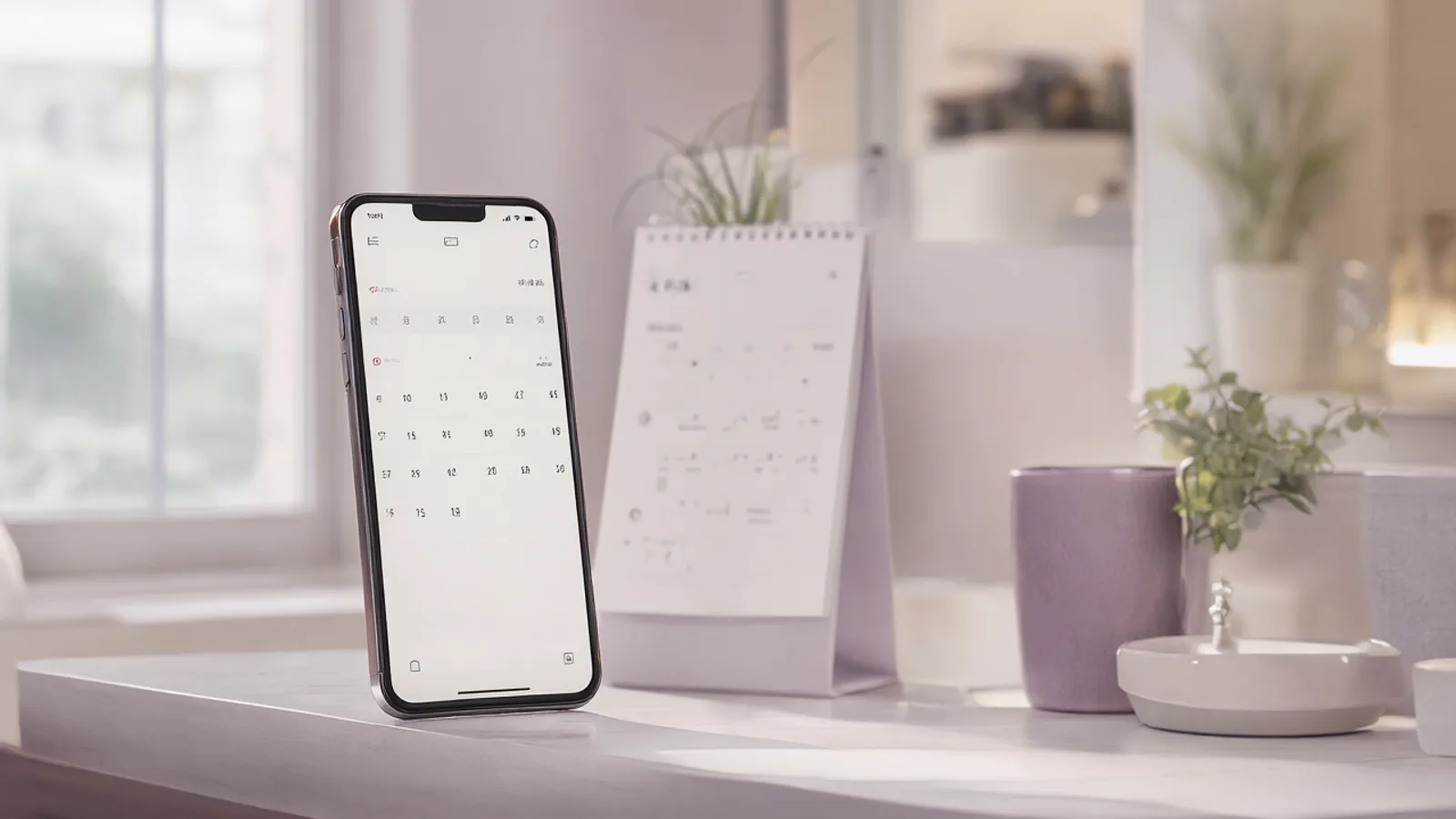
Walk-ins are part of the business, and they should not collide with online bookings. Clients only see times that are really free, so a walk-in you enter in the calendar takes that time away from the booking page right away.
Need a longer lunch, a short Friday, or an afternoon off? Set hours for that specific day or mark it as a day off. The team calendar shows every chair side by side, so you can see the whole shop at a glance.
Regulars who come back every few weeks
Most of your income is clients who return every three or four weeks. They book from the link without creating an account, get a WhatsApp confirmation, and can change or cancel from the link in that message.
On the Pro plan and above, automatic WhatsApp reminders go out from your shop's own number. When someone cancels, the waiting list lets you offer the freed slot to a client in one tap, so a gap in the chair gets filled.
Set it up in Lumea
- 1Add your services with their real durations and prices, and arrange them in the order you want clients to see.
- 2Add each barber to the team and set their working hours, holidays and days off.
- 3Choose the break between appointments and the time-slot step that fit your pace.
- 4Share the shop link on Instagram, WhatsApp and your business card, and give each barber their personal link.
- 5Turn on the WhatsApp confirmation, and reminders if you are on the Pro plan or above.
Plans: the free plan covers the calendar, clients and services. Online booking and WhatsApp messages start on the Starter plan, and automatic WhatsApp reminders on the Pro plan.
Questions
Can clients choose a specific barber?
Yes. On the shop link a client picks the barber and sees that person's free times, and each barber also has a personal link that opens straight to their own calendar.
What about clients who walk in without booking?
Add them to the calendar as you would any appointment. That time is taken, so online clients cannot book over them. If you do not enter the walk-in, the slot still looks free.
Do my clients have to register to book?
No. Clients book from the link without creating an account. They get a WhatsApp confirmation and can change or cancel from the link inside it. The free plan does not include online booking or messages; both start on the Starter plan.